During the summer holiday we have been very busy improving the Staatic Cloud platform, making it easier than ever to set up and manage your WordPress sites.
WordPress backend performance has improved
In addition to blazing fast static sites for your visitors, a snappy WordPress backend is just as important. After all, this is the place where you will spend most of your time, adding new content, optimizing your site’s appearance and whatnot.
We are proud to inform you of our improved hosting platform, allowing WordPress instances to be resumed in 50% of the time it took before, while providing double the amount of available memory and disk performance! 🔥
Added “Quick Access” to reach all of your sites the easy way
By default, each dynamic WordPress instance is protected with HTTP authentication, in addition to the built-in authentication mechanism of WordPress. Combined with automatically pausing inactive WordPress instances, this leaves attackers very little to work with.
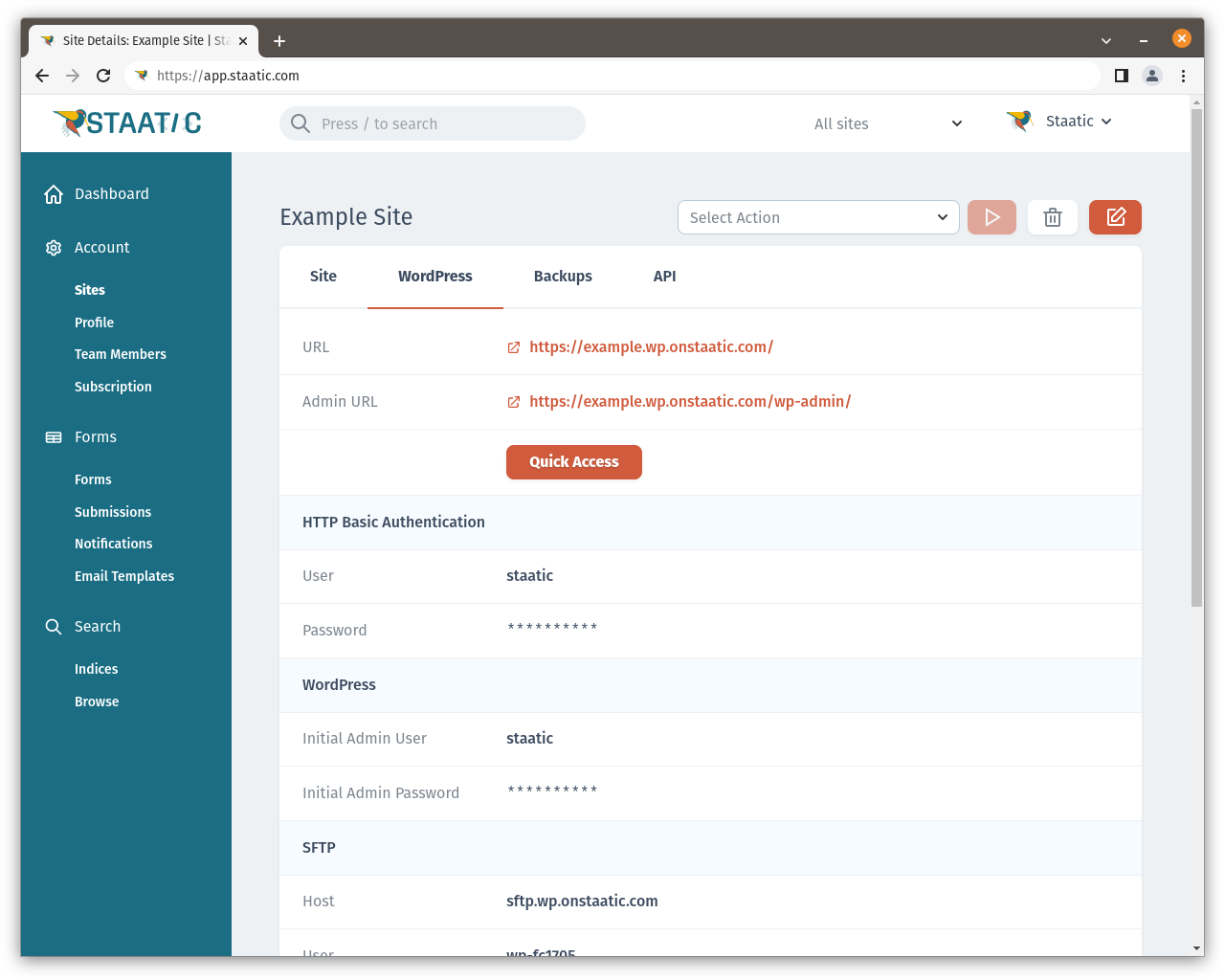
When you’re managing many sites though, it quickly becomes difficult to keep track of all of your login details. That’s why we have added a new “Quick Access” button to your site overview in the Staatic Portal.
Clicking the Quick Access button takes you straight into WP-Admin, logged in as the current administrator, using a secure one-time access token.
Two-factor authentication to further strengthen security
In order to prevent unauthorized access to your sites via the Staatic Portal, we have now added the ability to enable two-factor authentication on your Staatic accounts.
To activate two-factor authentication, simply log in and view your User Details. Then click the Enable button next to “2-Step Verification” and configure your Authenticator app.
Once enabled, whenever you log in with your username and password, you will also be asked for a security code from your Authenticator app.
phpMyAdmin to easily manage your WordPress database
Sometimes it can be necessary to make changes to your WordPress database directly. Staatic Cloud now makes this easier than ever by providing a preconfigured phpMyAdmin instance.
Access phpMyAdmin from the Site Details page. Select the WordPress tab and click Quick Access within the Database section.
Improved backup & restore processing speed
Staatic Cloud makes automated backups of your WordPress sites based on a smart schedule. We have made various improvements to the backup processing, resulting in faster backups as well as faster restores.
Whenever you’re planning a possibly breaking update of your site and want to be safe, simply create a manual backup from the Staatic Portal. Then proceed with your changes. In case anything breaks or didn’t go as expected, head over to the Backup Details and select Restore Backup.
Your site will be back exactly the way it was in no time.