Introduction
EWWW Image Optimizer is a plugin for WordPress that compresses all of your site’s images automatically in order to decrease file sizes and optimize site performance. It supports all major image types including PDF, SVG and WebP. Additionally it can be configured to remove EXIF metadata from uploads, resize images, enable lazy loading, and more.
One of the plugin’s greatest strengths is its ability to compress images locally. This means that the images never have to leave your server, and when combined with Staatic Cloud, are delivered from the fastest CDN available improving your site’s performance even further.
Setting up EWWW Image Optimizer
Once you have installed EWWW Image Optimizer from the WordPress directory and activated the plugin, you will be greeted by a quick configuration wizard. Select both Speed up your site and Stick with free mode for now, and click Next.

Keep the suggested defaults and click Save Settings.
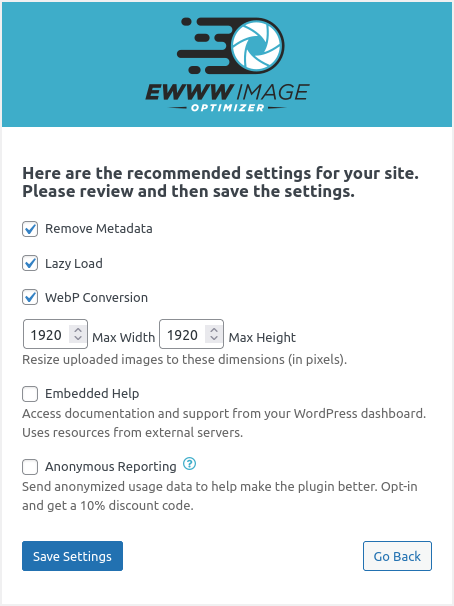
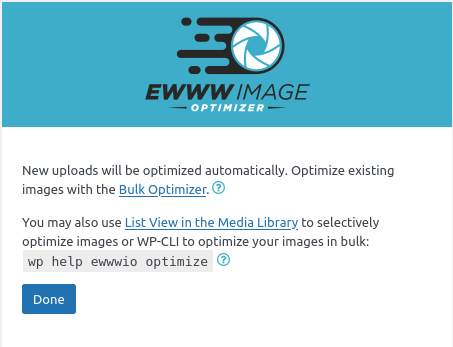
Finish the wizard by clicking Done.
You will then be taken to the plugin’s settings page where you can further fine-tune its features.
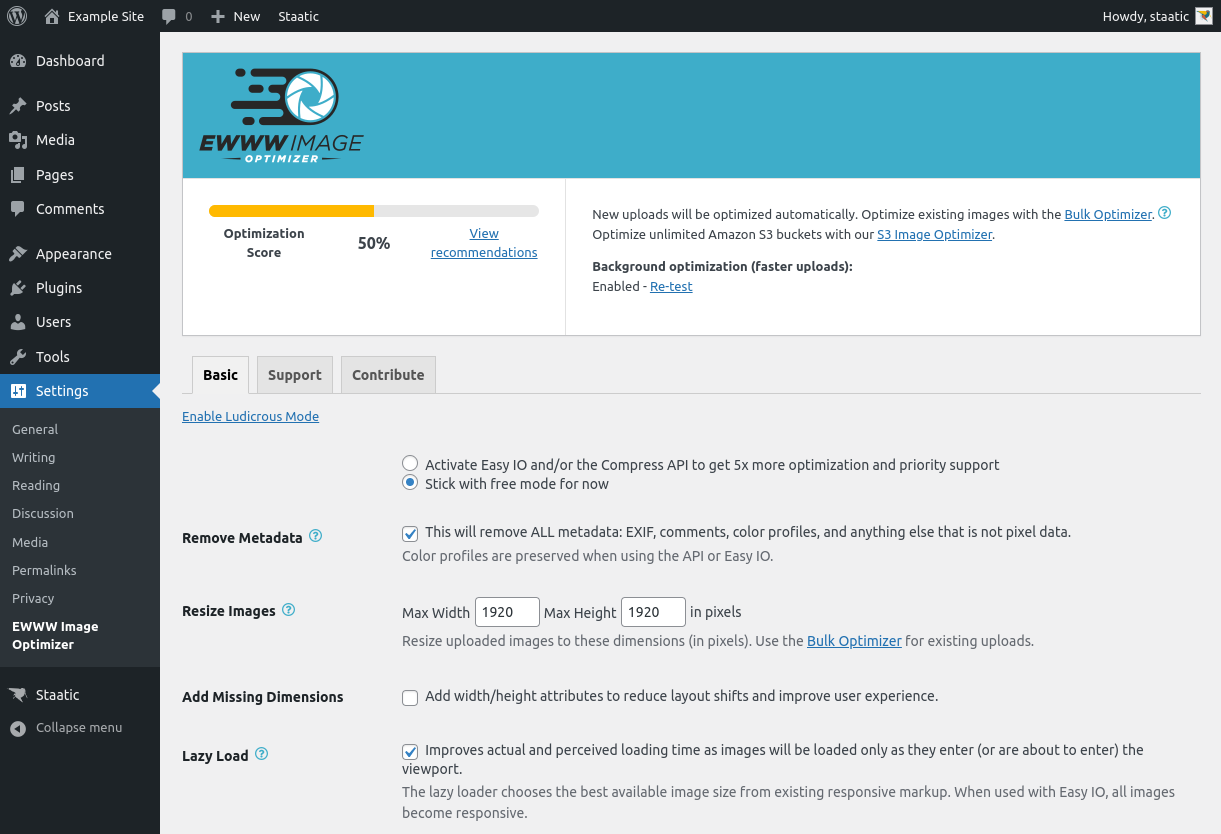
Note: new uploads will be optimized automatically. In order to compress existing images, be sure to run the Bulk Optimizer from the plugin’s settings page.
For alternatives, see the guides for Smush and for Cloudinary, which serves optimized images from its CDN.
For more information about the EWWW Image Optimizer plugin for WordPress, have a look at their full documentation.